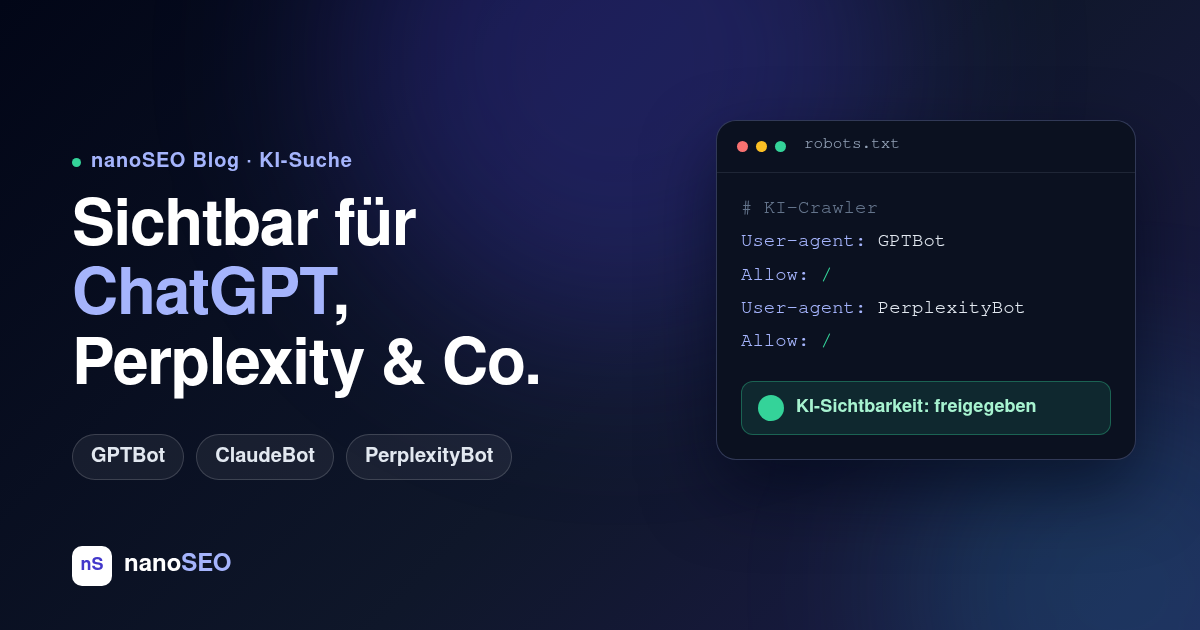
When someone asks ChatGPT "Which tool is best for X?" or runs a comparison on Perplexity, the answer is built from websites those AI systems were allowed to read. If your website isn't among them, you simply don't exist for a fast-growing part of your audience – no matter how well you rank on Google.
The good news: whether AI search engines can use your content comes down to a few clearly verifiable points. You can work through this checklist in 30 minutes.
1. Check whether your robots.txt lets AI crawlers in at all
Every AI search engine runs its own crawlers, which – like Googlebot – respect your robots.txt. The most important ones:
- GPTBot and OAI-SearchBot (OpenAI / ChatGPT Search)
- ClaudeBot (Anthropic / Claude)
- PerplexityBot (Perplexity)
- Google-Extended (Google's Gemini training, separate from regular Googlebot)
Open your-domain.com/robots.txt and look for these names. An entry like this locks ChatGPT out completely:
User-agent: GPTBot
Disallow: /
The tricky part: many CMS plugins, firewalls and CDN defaults (such as "bot protection" rules) block AI crawlers by default, without you ever making that decision. If you blanket-blocked all bots back in 2023, you are invisible in AI answers today.
2. Distinguish training from search – it's a strategic decision
Not every AI bot does the same job. GPTBot collects training data, while OAI-SearchBot fetches content for live answers with source links in ChatGPT Search. So you can differentiate: block training, allow search – and get cited and linked without your content ending up in a training corpus.
For most business websites, though, the rule of thumb is simple: visibility in AI answers brings visitors and trust. Blocking yourself out rarely protects anything valuable – it just gives up reach.
3. Serve content that is readable without JavaScript
Most AI crawlers execute little or no JavaScript. Anything that only appears after client-side rendering – lazy-loaded text, pure single-page apps without server-side rendering – is empty to them. Test it yourself: open your most important page and view the source code (Ctrl+U). Is your core content there as text? Good. Do you only see an empty <div id="app">? Then AI systems read nothing either.
4. Structure your content so machines can quote you
AI answers are built from clearly extractable statements. What helps is classic, clean SEO craftsmanship:
- One clear H1 and a logical H2 structure – AI systems use headings to detect topic blocks.
- Direct answers in the first paragraph of a section instead of long preambles.
- FAQ blocks with structured data (
FAQPageschema) – machine-readable question-answer pairs are ideal quoting material. - Make freshness visible: a maintained
dateModifiedand a sitemap withlastmodsignal that your content is actively looked after.
5. Monitor it – checking once is not enough
The biggest risk is not getting the initial setup wrong, but the unnoticed change: a CMS update overwrites your robots.txt, a new firewall ruleset suddenly blocks ClaudeBot, a relaunch makes content JavaScript-dependent. Changes like these often surface months later – when your competitors are already showing up in AI answers.
That's exactly what continuous monitoring is for: with every analysis, nanoSEO automatically checks whether the key AI crawlers are allowed to read your pages and raises the alarm as soon as that changes – alongside all classic SEO signals.
Want to know where your website stands right now? The free SEO check analyses your website including AI visibility – no sign-up needed, results within minutes.